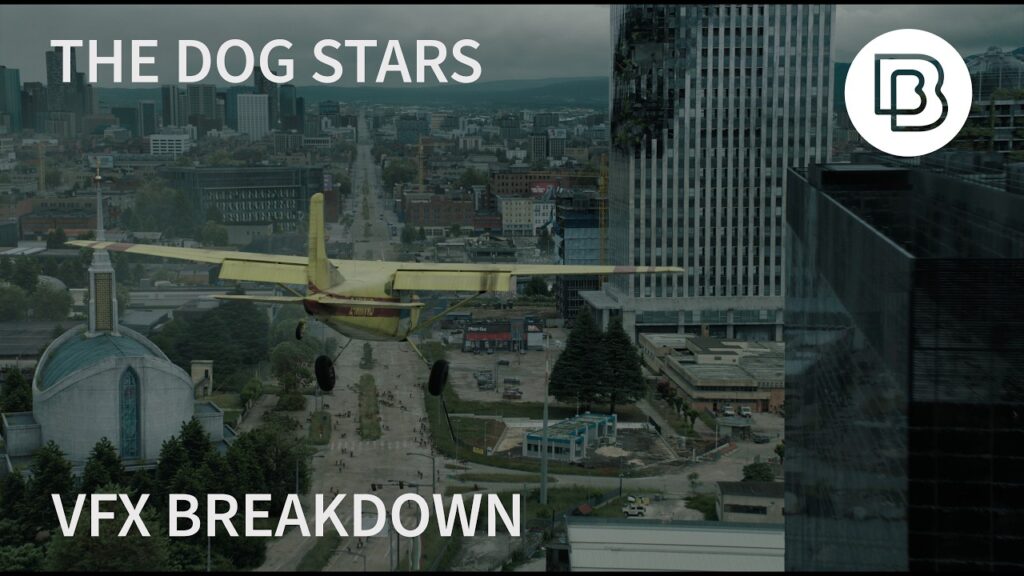
The tutorial below is old. It was recorded when ModelBuilder was the headline feature in Nuke 7. The technique it teaches has not aged at all, which is why it is still worth twenty minutes of your time.
What projection mapping actually does
You have a photograph of a building. You need the camera to move past it. A still photo cannot move, so normally you would model and texture the building in 3D, which is slow and expensive.
Projection mapping skips most of that. You build crude geometry, just enough to catch the shape, then project the photograph onto it from the position the photo was taken. Move the camera and the flat image now behaves like a solid object.
It is a trick, and it falls apart if you push the camera too far. Within a modest move it is indistinguishable from real geometry, and it takes a fraction of the time.
Where ModelBuilder fits
Before ModelBuilder, building that crude geometry meant leaving Nuke, opening a 3D package, modeling the shape, exporting it and importing it back. ModelBuilder let compositors draw the geometry directly onto the plate inside Nuke.
Draw a quad on the wall of the building. Snap it to the tracked point cloud. Repeat for the roof and the side. You now have a rough box that matches the real structure, and you never left the comp.
The workflow in order
- Camera track the plate so Nuke knows where the real camera was
- Build rough geometry against the resulting point cloud
- Clean the plate, painting out anything that moves or should not be baked into the texture
- Project the clean plate onto the geometry from the tracked camera
- Render from the new camera move and comp it back over the original
Step three is where most of the work hides. A projection is only as good as the plate you feed it, and anything left in that image gets stuck to the geometry forever.
What changed since Nuke 7
ModelBuilder is still in Nuke. What has changed is that it now has competition from inside the same application.
Gaussian splats, which arrived properly in Nuke 17.1, solve a version of the same problem by reconstructing a scene from photographs automatically. No modeling, no projecting. For a static environment captured well, a splat will often beat a hand-built projection.
When projection still wins
Control. A splat gives you what the camera saw. A projection lets you decide what the camera should have seen.
If you are extending a set that does not exist, or dropping a matte painting into a shot, you are not reconstructing reality. You are inventing it, and projection is still the cleanest way to do that.
New to this? Start with what a VFX breakdown is and how the pieces of a shot fit together.