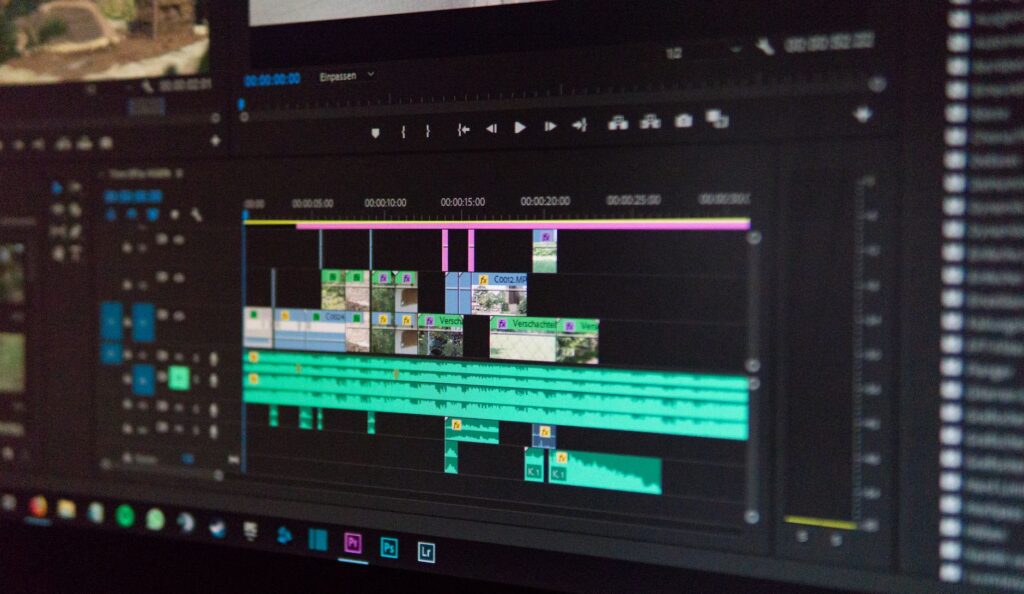
Adobe has shipped After Effects 2027, also known as version 27.0. The rollout started through the Creative Cloud desktop app on November 7, and Adobe posted the full release notes during Adobe MAX in Miami this week. If you open Creative Cloud and see an update waiting, this is it.
The headline features are an AI Assistant that lives inside the app and a big upgrade to the Advanced 3D renderer. There is also a pile of smaller quality of life fixes that compositors will notice on day one.
The AI Assistant panel
The new AI Assistant panel can tidy up a messy project, write expressions and fix broken ones, and generate images and video right inside After Effects. It was in public beta earlier this year. With 27.0 it is part of the main release.
Expressions are the part to try first. A lot of artists copy and paste expressions they barely understand, then lose an hour when one breaks. Having something that can read the error and suggest a fix is a real time saver. Treat its answers like a helpful junior artist: check the result before you hand off a shot.
Layers as 3D materials
This is the update with the most creative upside. In the Advanced 3D renderer you can now use layers as materials. That means an animated precomp, a solid, a still image or a video clip can be wrapped onto a 3D surface.
Picture a screen inside a 3D set that plays your own animated comp, or a moving texture on 3D type, all without leaving After Effects or rendering a pass first. Motion designers have wanted this for years.
Adobe also added Substance 3D Materials for 3D text and shape layers. So you can drop a metal, plastic or stone look onto extruded type and get more realistic results than the old flat shading.
Smaller changes worth knowing
- Editable text when you import Illustrator files, so you no longer have to rebuild type by hand.
- An Adobe Stock panel inside the app for grabbing footage and graphics without a browser trip.
- A new Contour Paint effect.
- Improved Auto-Save, which anyone who has lost a night of work to a crash will appreciate.
- A compression slider for PNG image sequences.
- A De-esser audio effect for taming harsh S sounds in dialogue.
- Quick Apply history, so recently used effects are easier to find again.
Adobe says the same features are also in the After Effects Beta, and the rollout note lists more than 50 bug fixes.
How it fits with the rest of Adobe MAX
After Effects was not the only app to get attention this week. Premiere picked up generative video, music and sound tools that can use Adobe Firefly or partner models from Google, Kling, Runway and Luma, plus a Generative Remove tool for erasing objects from shots. Taken together, Adobe is clearly betting that editors and compositors want AI help inside the apps they already use, not in a separate website.
For VFX artists the layer material upgrade is the bigger deal. AI features come and go. Better 3D inside After Effects changes how you build shots.
Should you update now?
If you are in the middle of a job, wait until you deliver. Major version jumps can break third party plugins, and After Effects keeps older versions installed side by side, so there is no rush. Check that your key plugins support 27.0 first. If you are between projects, install it and play with layers as materials. It is the most fun Adobe has added to After Effects in a while.
Full details are in Adobe’s After Effects What’s New page and the rollout announcement on the Adobe Community forums.

Leave a Reply