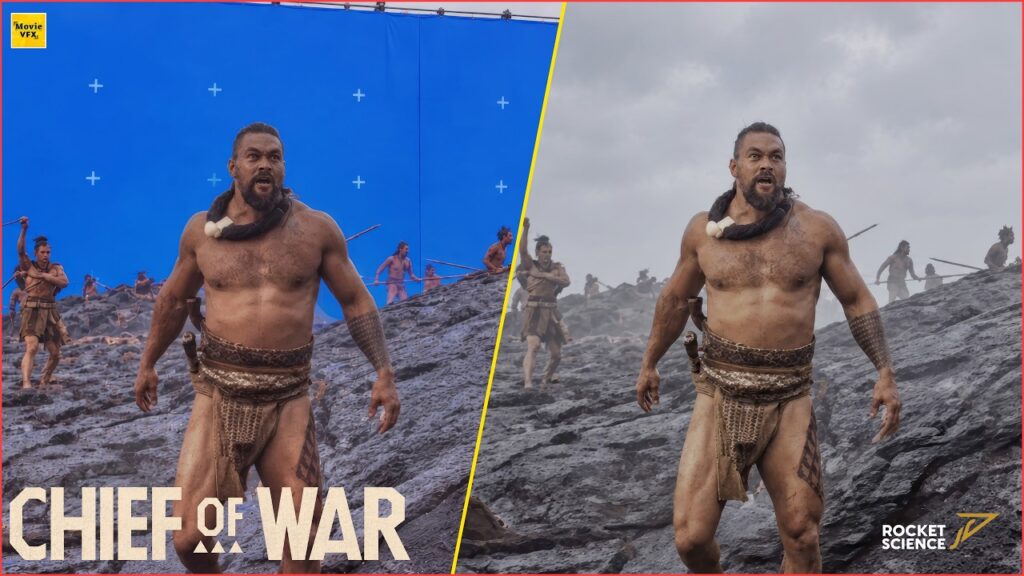
Here are 10 After Effects tutorials covering techniques used across real Hollywood productions, from color correction and keying to camera tracking and rotoscoping, all built around Adobe After Effects, the compositing tool most commonly used for lighter VFX work outside of big-studio Nuke pipelines. Prefer node-based compositing? Try these Fusion tutorials.
1. Color Correction in After Effects
Covers matching the color and exposure of separately shot footage so it reads as one continuous scene, using curves and levels rather than just the basic brightness/contrast sliders.
2. Creating a Hologram with Holomatrix
A plugin-driven approach to the classic sci-fi holographic-display look: scan lines, flicker, and that faint blue glow, applied to 2D or 3D elements.
3. Match Moving 2D Art
Tracks a moving camera shot so a flat 2D image can be pinned convincingly into the scene, matching perspective as the camera moves instead of looking like a sticker.
4. Rotoscoping
Hand-drawing a mask around a subject frame by frame to isolate it from its background, useful when there’s no green screen to key against.
5. Mask Techniques
The fundamentals of building and animating masks in After Effects, the basic building block behind rotoscoping, spot color correction, and most compositing tricks on this list.
6. 3D Text
Extruding flat text into a 3D object inside After Effects’ own 3D workspace, without needing to round-trip through a separate 3D application for simple title work.
7. Green Screen Keying
Pulling a clean key from green-screen footage using After Effects’ Keylight plugin, plus the spill suppression and edge cleanup that separates an amateur key from a usable one.
8. Hancock-Style Superhero Landing
A crowd-pleasing effects trick: cracked pavement, a dust shockwave, and camera shake timed to sell the impact of a super-powered landing, built entirely from stock elements.
9. Keying Fundamentals
A broader look at keying beyond just green screen, including when to reach for luma keying or difference keying instead of a standard chroma key.
10. Basic Camera Manipulation
Setting up and animating a virtual camera in After Effects’ 3D space, the foundation for parallax moves, fake dolly shots, and integrating 2D layers into a 3D scene.